
The career-ops engine is driven from a terminal. CareerOS puts a web UI on top, so its modes run from buttons — with an allowlist, no shell, and no AI write access.
A local web UI and Node server for career-ops, an open-source AI job-search engine by another author. CareerOS is my addition: it lists the engine’s actions, runs them as child processes, and streams progress to the browser.
The interesting part is the safety model around running an AI coding CLI on your machine.
The problem
Running agent workflows through a CLI is powerful but easy to misuse — one wrong flag and the AI can edit or delete files.
The approach
The browser can only trigger allowlisted actions by id; the server never uses a shell; and when an AI mode runs, its write and shell tools are denied.
How it is put together
- Browser UIReact + Vite
- Local server127.0.0.1 only
- Action allowlistBy id, validated with Zod
- Child processshell: false
- career-ops engineScripts & AI modes
- Loopback only
- Allowlisted actions
- AI write/shell tools denied
- Dry-run before changes
Simplified.
Agent profile
- Objective
- Run job-search workflows (evaluations, tracking, drafts) without touching a terminal.
- Input
- A button in the UI sends an action id to the local server.
- Reasoning
- The underlying engine’s modes run through the Claude Code CLI (other CLIs are detected); CareerOS orchestrates rather than reasons.
- Tools
- Allowlisted engine scripts, Claude Code CLI with Write, Edit and Bash denied
- Execution
- Child processes run with shell disabled; output streams to the browser over Server-Sent Events and is persisted by the engine’s own scripts.
- Safety
- Server bound to 127.0.0.1. Allowlisted actions only. Destructive operations need confirmation, tracker tools offer a dry-run preview, and nothing is ever submitted or sent — drafts are for you to copy.
- Models
- Whatever the installed CLI uses (Claude by default); the engine also ships Gemini, OpenAI and Ollama evaluators.
Related
 In development
Agents · AI · ToolsIn development
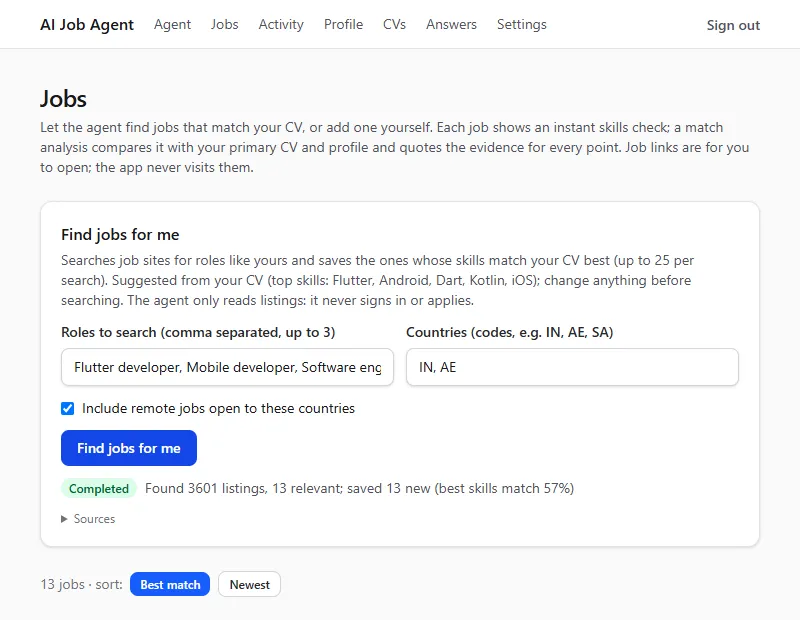
AI Job Agent
A local-first agent that finds jobs, ranks them against your CV and explains every match with quotes. TypeScriptNext.jsNode.js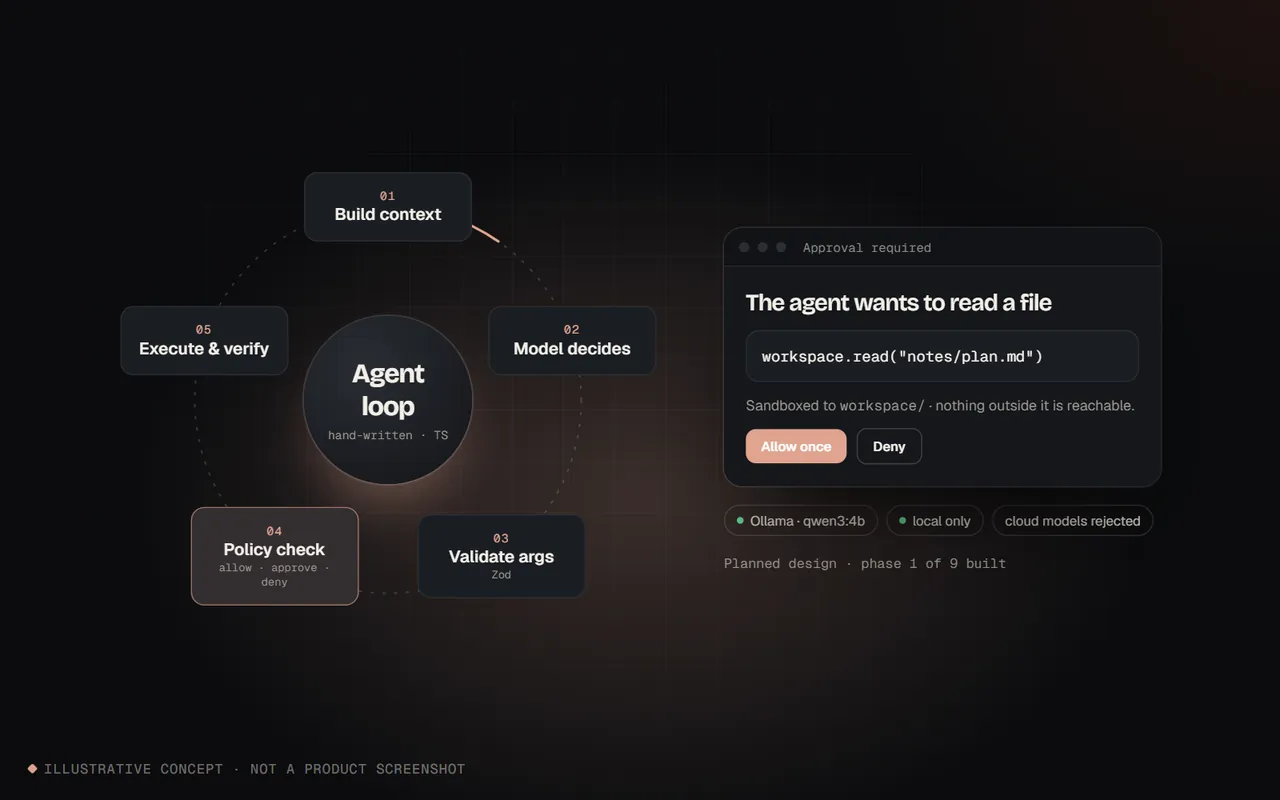 Learning project
AgentsLearning project
Local AI Agent Lab
Learning how agents work by building one by hand — no framework, local model only. TypeScriptNode.jsSQLite Prototype
Agents · AI · ToolsPrototype